✉️ Change your email
Update the email address on your account from Personal Account → Profile → Change Email. The change is verified in a few secure steps before it takes effect.
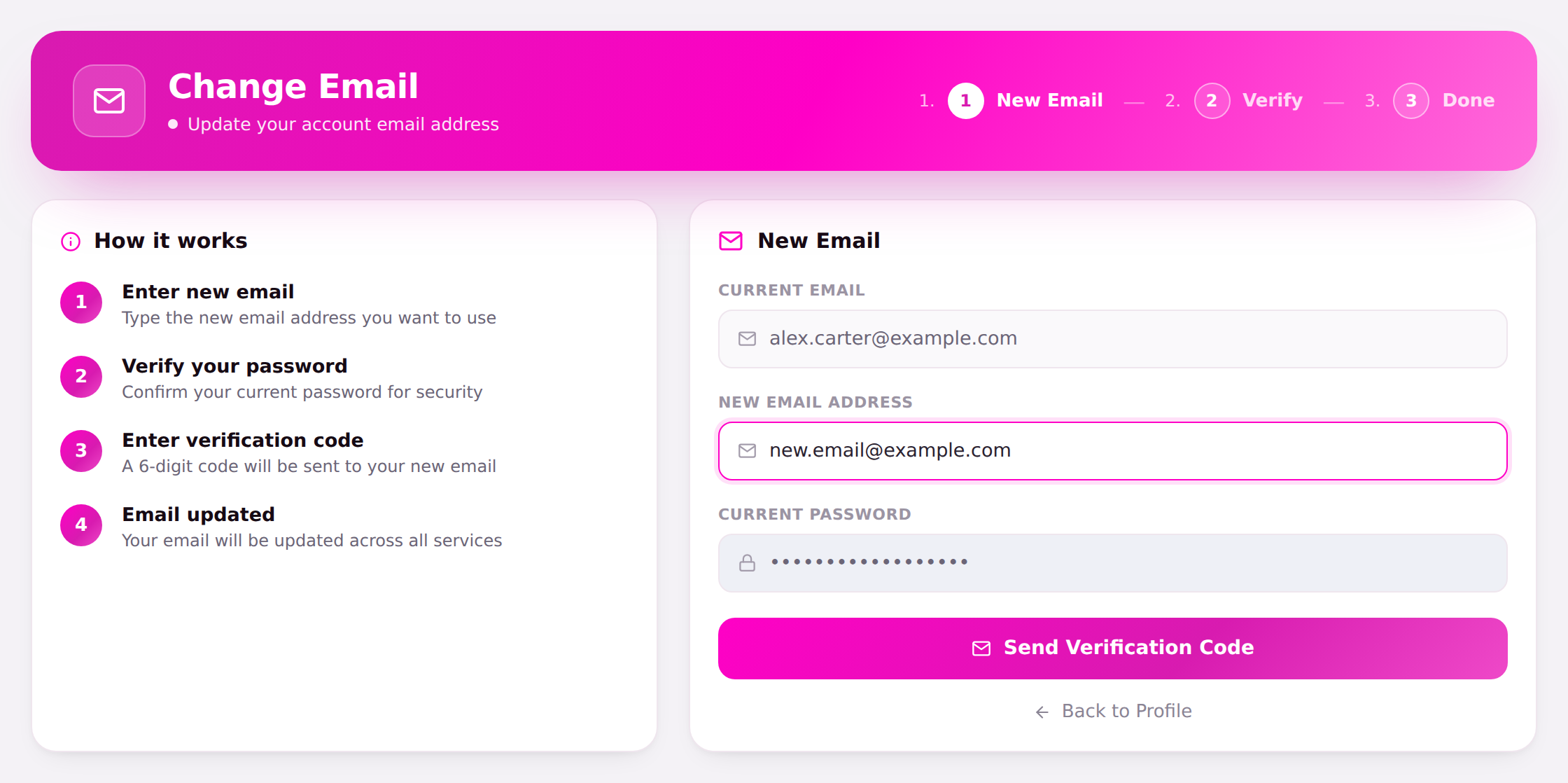
🪜 How it works
- Enter new email — type the new email address you want to use.
- Verify your password — confirm your current password for security.
- Enter verification code — a 6-digit code is sent to your new email; enter it to prove you own the address.
- Email updated — your email is updated across all services.
Steps
- Your Current Email is shown for reference.
- Type the New Email Address.
- Enter your Current Password.
- Select Send Verification Code, then check the new inbox for the 6-digit code and enter it to finish.
Changed your mind? Choose Back to Profile to cancel without making any changes.
note
Until you enter the verification code, your old email stays active — the change only applies once the new address is confirmed.