📋 Attendance Reports
Attendance Reports let you turn one or more past meetings into a clean, exportable report of who attended and for how long — useful for classes, training, and compliance.
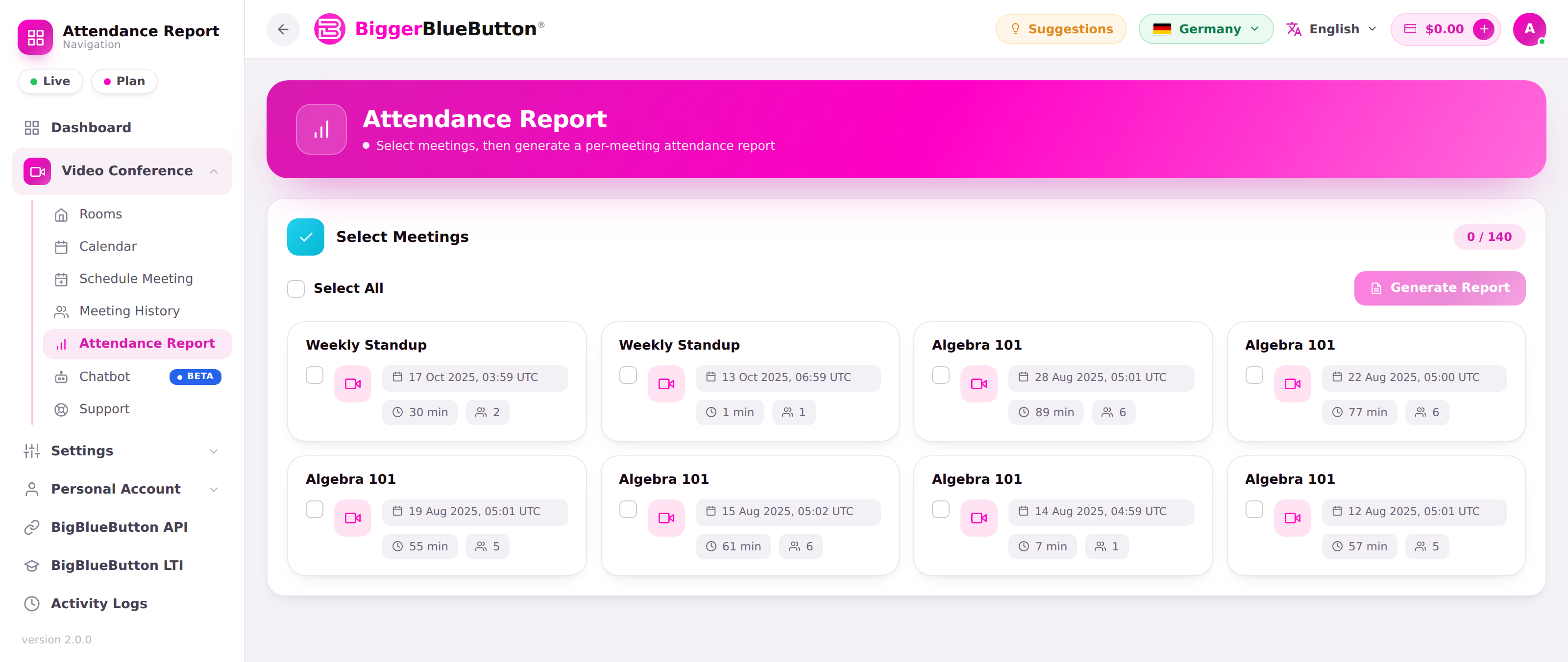
The Attendance Report page is available to users with the create-attendance-reports privilege. If you don't see it in the menu, ask your account owner to grant the privilege.
🧭 How it works (3 steps)
1. Search meetings
Search your meetings by date range (From / To) and, optionally, by name. The range is limited to 6 months at a time, and results are listed (up to 500 meetings) — narrow the range if you hit the cap.
2. Select meetings
Tick the meetings to include — or use Select All. You can combine several meetings into a single report. Generating a report from more than 200 selected meetings is blocked with a warning to keep it manageable.
3. Report results
The report opens with stat tiles — Meetings, Unique Attendees, Total Records, and Total Duration — above a searchable, sortable, paginated table:
| Column | Description |
|---|---|
| Meeting | Which meeting the row belongs to |
| Name | Participant display name |
| Role | Moderator / viewer |
| Join Time | When the participant entered |
| Leave Time | When the participant left |
| Talk Time | Total time the participant spoke |
| Webcam Time | Total time the participant shared their camera |
📊 Participant counts
For finished meetings, participant counts are resolved from the learning dashboard / peak-users data, so completed sessions still show accurate, non-zero attendance.
⬇️ Export
Use Export Excel to download the report as a spreadsheet (a sheet named Attendance). IDs and times are kept as text so long identifiers and timestamps aren't reformatted by the spreadsheet, and non-Latin names are preserved.
💡 Tips
- Narrow the date range first — it keeps the meeting search fast and under the 500-result cap.
- The report UI is fully localized, including right-to-left languages, so labels and the date picker display correctly in every supported language.