📅 Calendar
The Calendar gives you a colour-coded overview of every meeting and class across your rooms. Open it from Rooms → Calendar (path rooms/calendar).
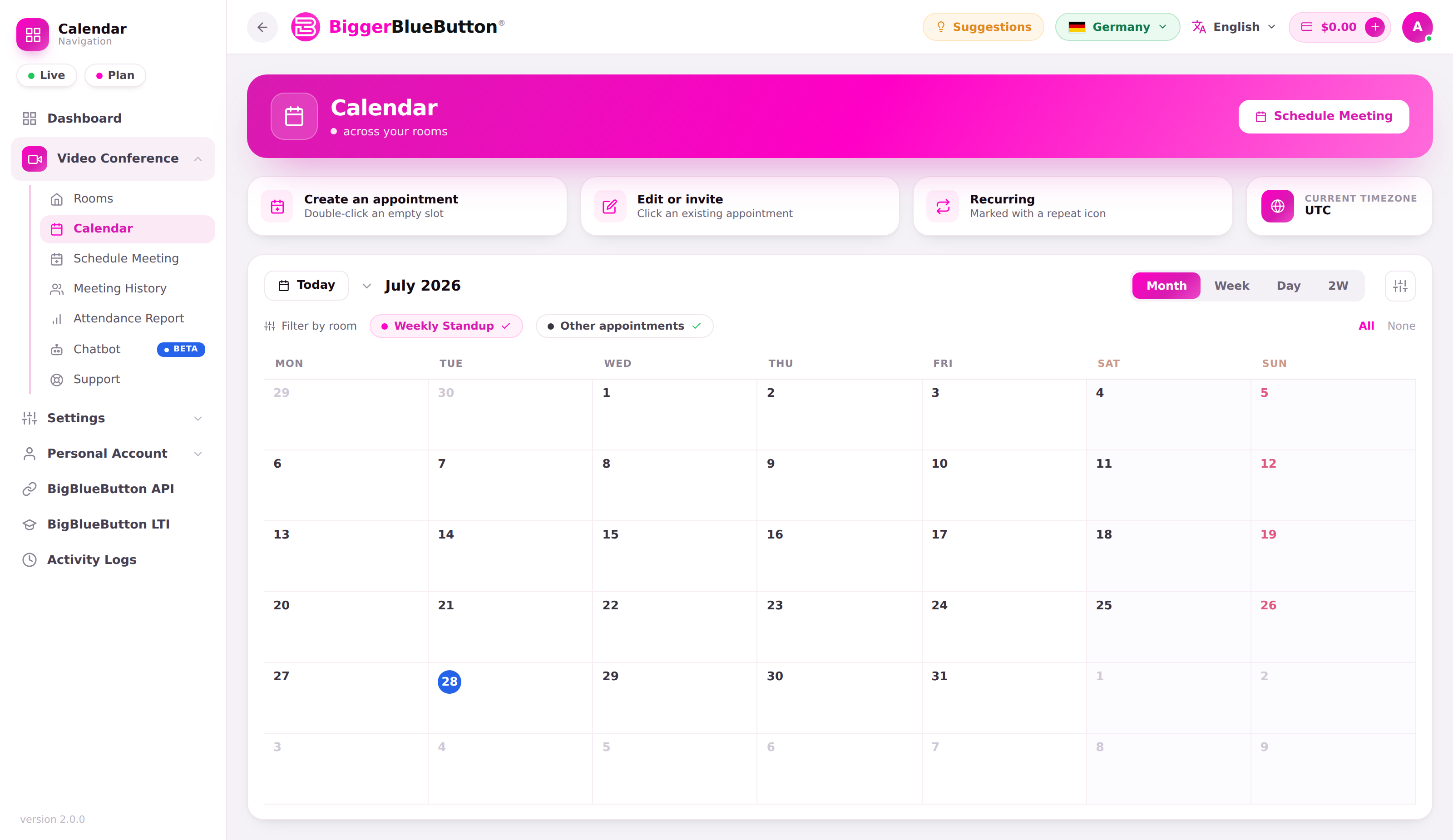
🗂️ Calendar views
- Per-room calendar — open a single room's Calendar to create, edit, delete, and invite directly on that room's timeline.
- Aggregate calendar — Rooms → Calendar (
rooms/calendar) is a read-only, colour-coded overview of every room's events. Editing an event deep-links you back to that room's calendar.
Switch between month, week, day, and 2-week layouts to plan at the level you need.
📌 Working with events
- Each event is colour-coded by room and shows its title and time.
- Select an event to view its details, or jump to that room's calendar to edit or invite.
- To add an event, use Schedule Meeting — one-time meetings and recurring class series appear on the calendar automatically.
tip
Invitees can add any scheduled event to Google, Outlook / Office 365, Yahoo, or Apple calendars — see Scheduling & Appointments.